
Suit up without a suit
No retakes needed. Wearing a T-shirt? Tap Suit and your photo comes back in a sharp business suit.
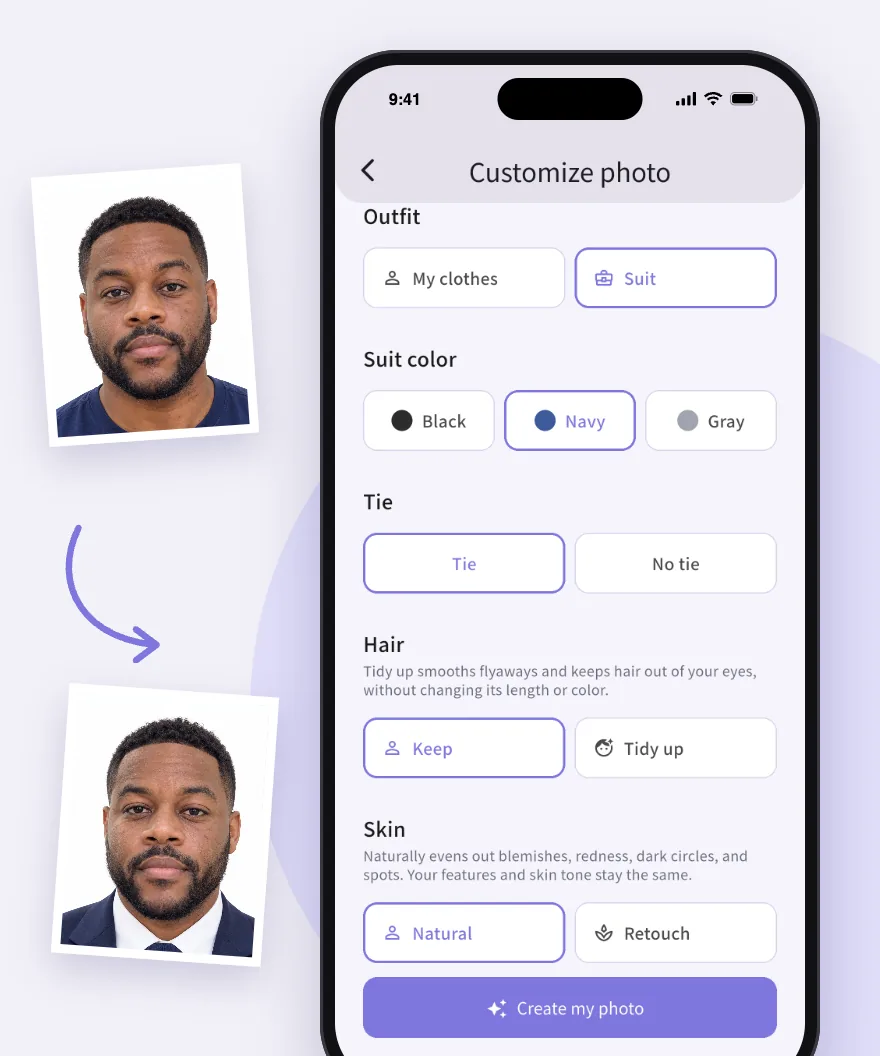
Snap a selfie at home and Yolopic turns it into a polished ID photo or professional headshot. Pick your size, background and outfit. That's it.


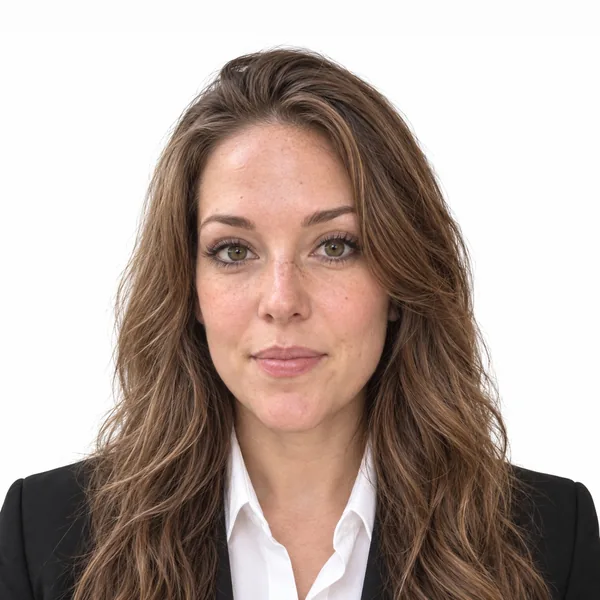
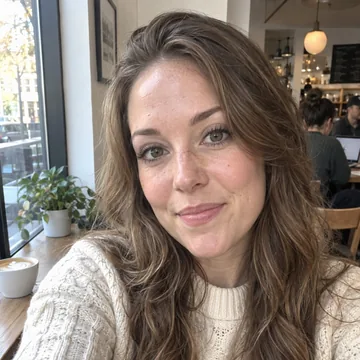
Two print sizes, plus a square headshot for your profile. For prints, Yolopic lays out a 4×6 sheet you can print at any photo lab or at home.
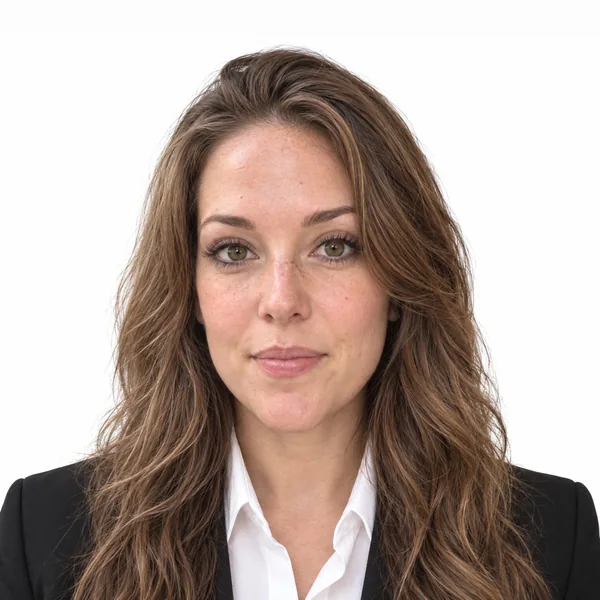
2×2 in51×51 mm · white background · 2 per 4×6 sheet
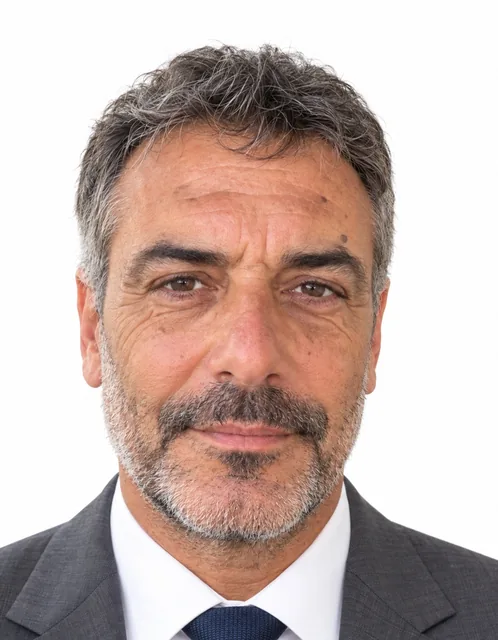
35×45 mm1.4×1.8 in · white background · 6 per 4×6 sheet

HeadshotA square digital photo for your profile, work badge or portfolio · white, blue or gray background
Photos are shown at their true relative size. Photo requirements vary by organization: check them before you submit. Yolopic doesn't guarantee that a photo will be accepted.
Turn on Retouch and Yolopic smooths your skin the way a studio retoucher would, so a breakout doesn't end up on your ID.
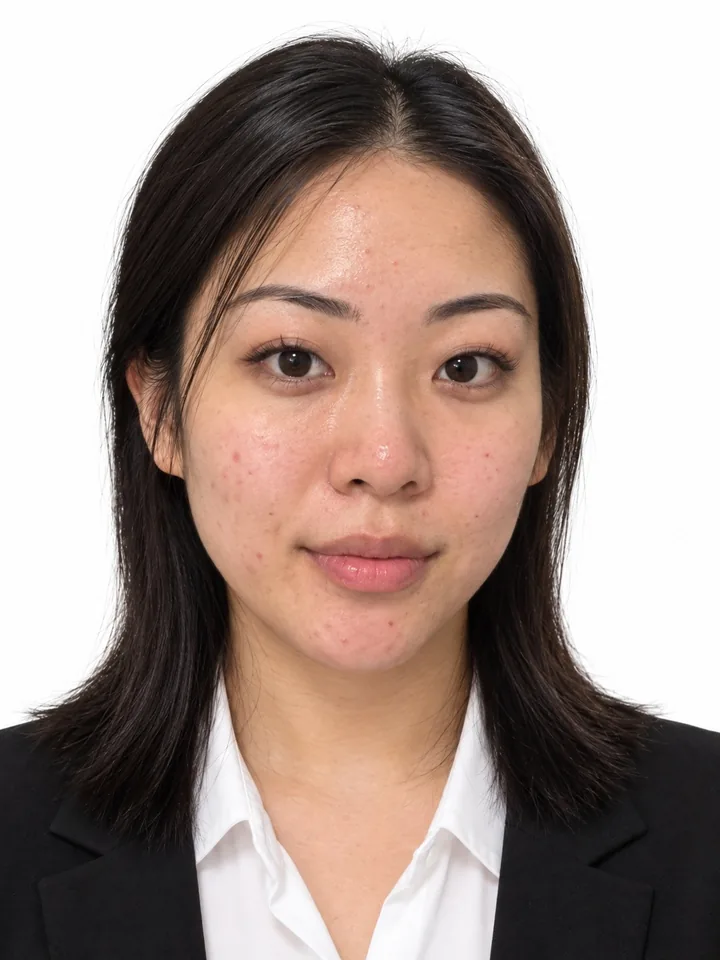
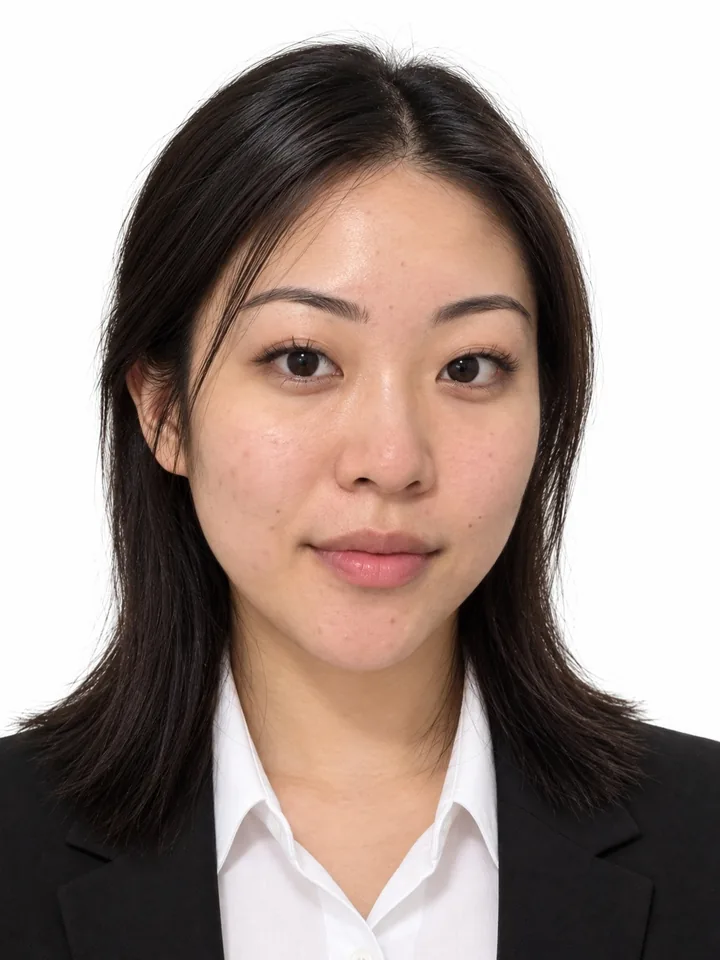
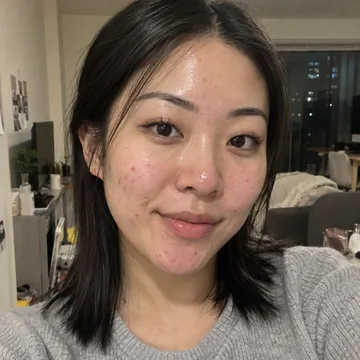
No retakes needed. Wearing a T-shirt? Tap Suit and your photo comes back in a sharp business suit.
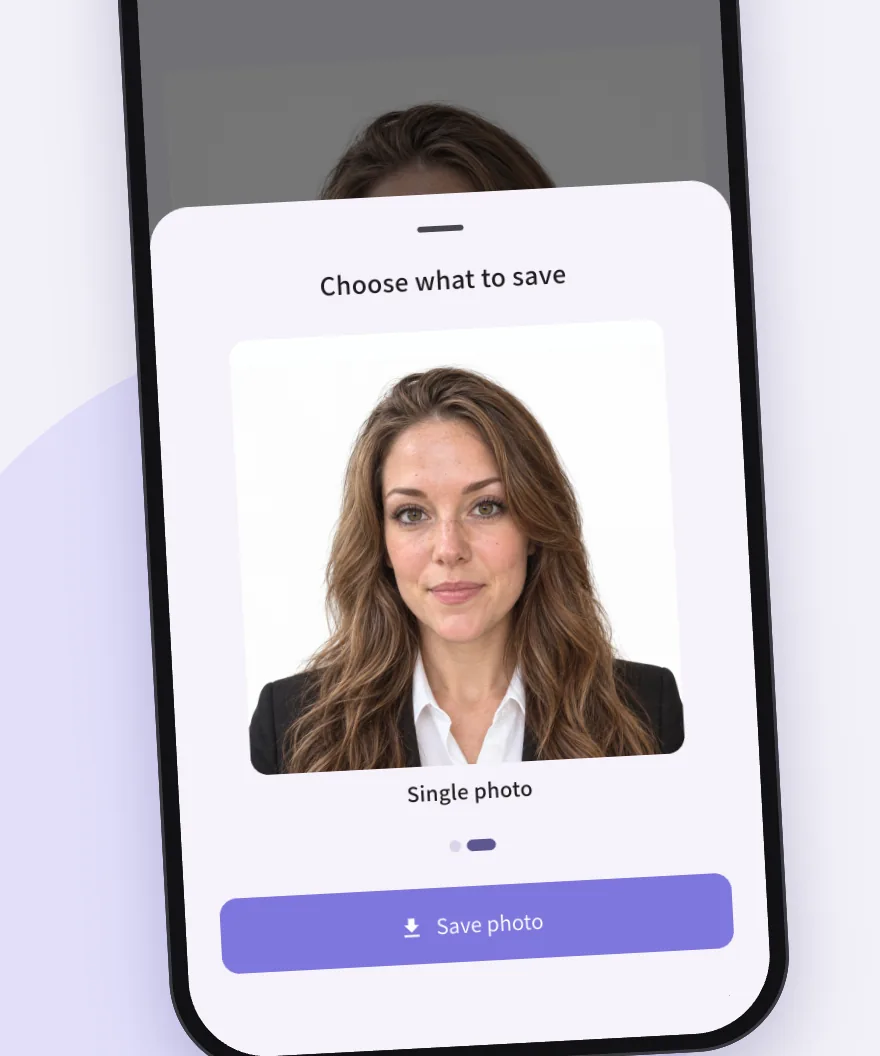
Save the watermark-free HD photo, and the 4×6 print sheet for print sizes, straight to your phone. Perfect for online applications, and you can download it again from the app for 90 days.
Your print sheet fits standard 4×6 photo paper. Send it to any photo lab or pharmacy photo counter, or print it at home at 100% scale.
How to print your photos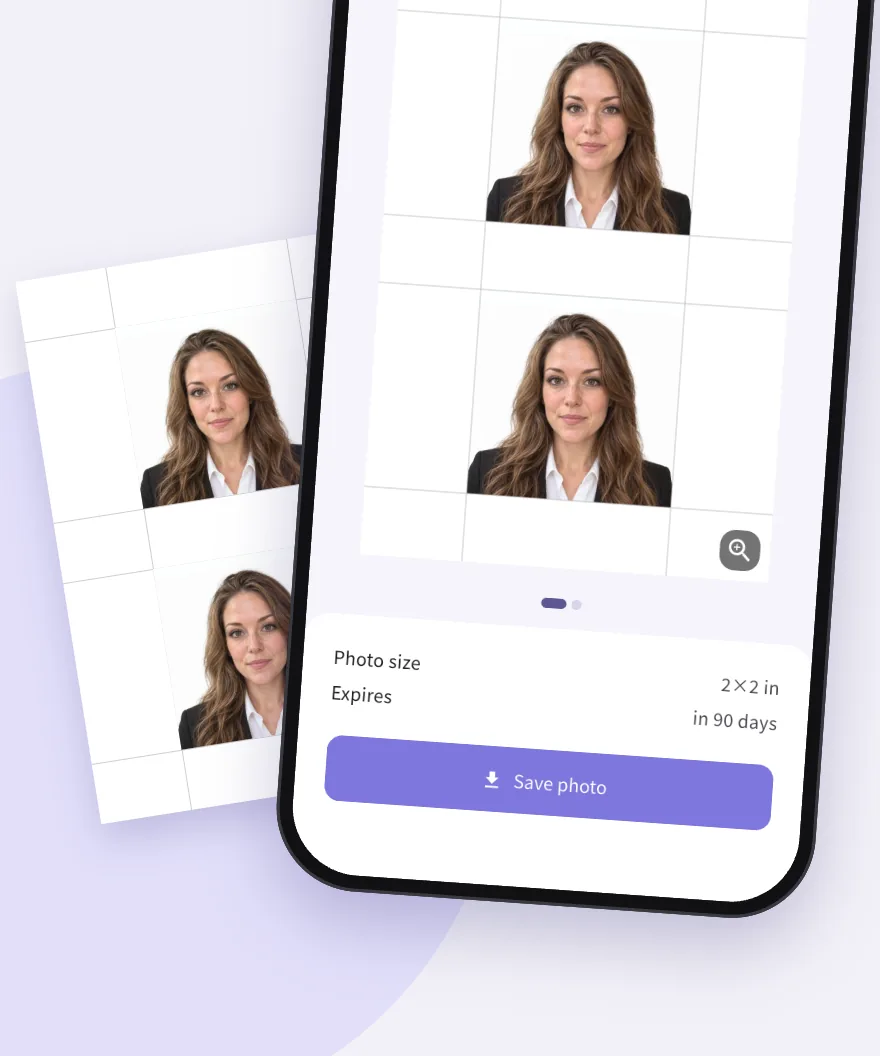
Downloading the app and previewing your photos is free (up to a limit). Saving the watermark-free HD photo and print sheet is a one-time purchase per photo, and the price is shown in the app. No subscription.
Yolopic creates photos with AI and doesn't guarantee that any organization will accept them. Photo requirements vary by organization, and some official documents don't accept AI-edited photos. Check the requirements of where you submit before you use a photo.
No. It smooths out blemishes, redness, dullness, shine and under-eye shadows, and softens dark spots and freckles. Your features, age, skin tone, moles, scars and makeup stay exactly as they are.
Never. Uploaded photos and generated images are not used to train AI models. Your selfie is deleted right after your photo is made, and generated photos are deleted when you delete them in the app, or automatically 90 days after they were made. See the Privacy Policy and its Biometric Notice.
The print sheet is a standard 4×6 in photo. Upload it to any photo lab or pharmacy photo counter, or print it at home at 100% scale. See how to print your photos.
Nope. Open the app and start.

Free to try on iPhone and Android.